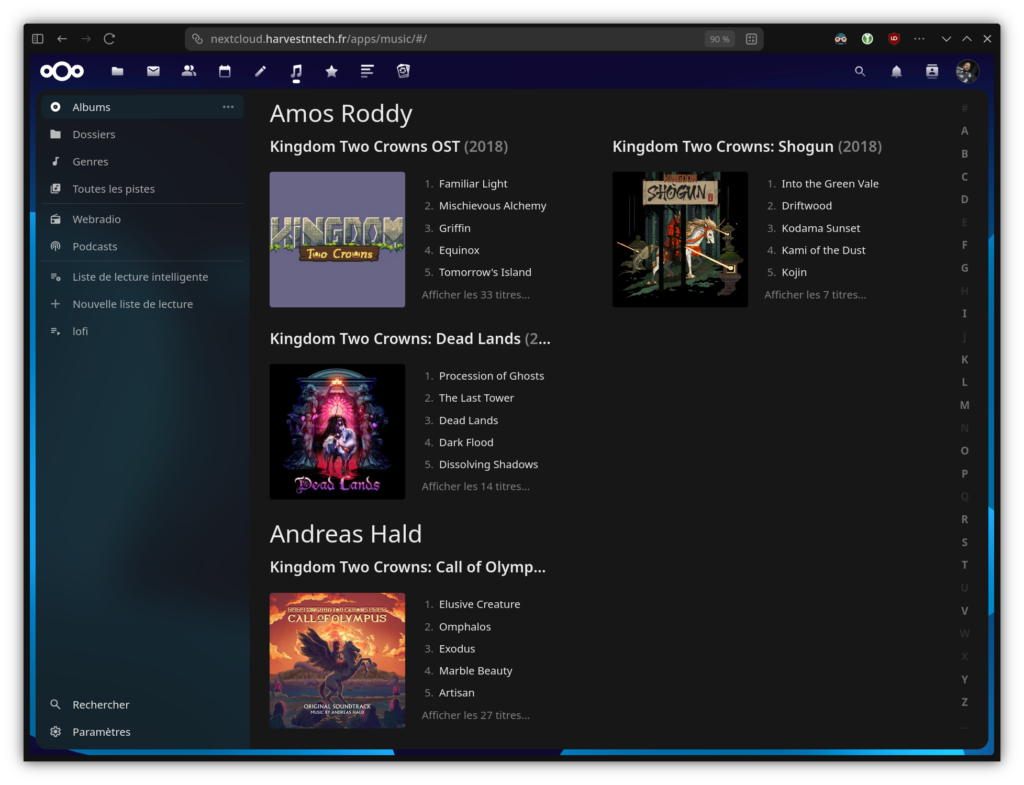
Crazy as it may seem, I don’t use any streaming subscriptions for my music! I purchase CDs and rip them, and buy DRM-free digital albums, all managed in my personal cloud using the Music app built into my NextCloud.
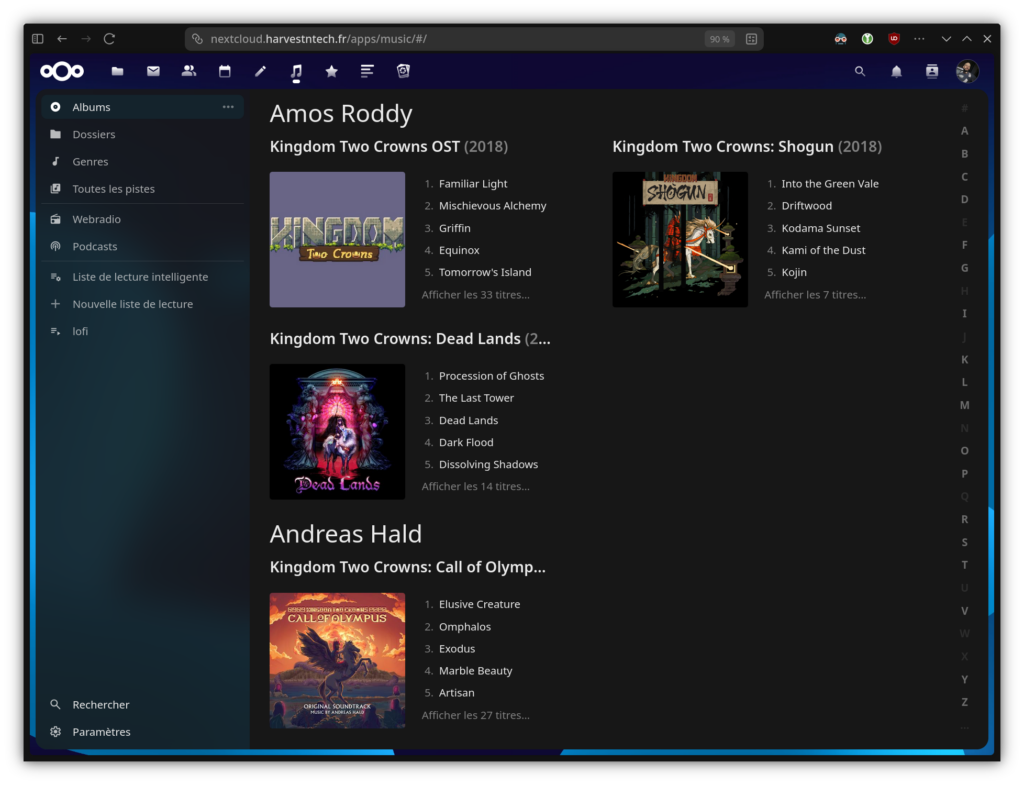
Thanks to the Power Ampache 2 app connected to my library, I can enjoy my entire music collection on the go, directly from my smartphone and at no cost.
Play CDs
I still have an old external USB CD/DVD drive made by Apple that works great! And thanks to the magic of Linux and its community, I managed to get it working on Debian 13.
Here’s how I did it:
First of all, I create a text file somewhere, which I named 60-apple-superdrive.rules, into which I copy and paste the following lines:
# Apple's USB SuperDrive
ACTION=="add", ATTRS{idProduct}=="1500", ATTRS{idVendor}=="05ac",
DRIVERS=="usb", RUN+="/usr/bin/sg_raw /dev/$kernel EA 00 00 00 00 00 01
Then I go through a few command lines to :
- copy the file to the right place so that it is taken into account by the system next time
- install the sg3-utils package
- trigger the tool
- hot-activate the device
sudo cp 60-apple-superdrive.rules /etc/udev/rules.d/
sudo apt install sg3-utils
sudo udevadm trigger
sudo sg_raw /dev/sr0 EA 00 00 00 00 00 01
And now, thanks to the magic of Linux, Apple’s disk eater is going to wake up and swallow some CDs!
Extract audio tracks
To do this, I need an application capable of extracting tracks from a CD, automatically finding information on the Internet to name the files, and compressing everything into the desired format! I chose to entrust this mission to Asunder and compress my tracks in FLAC format. Obviously, the storage folder is that of my personal Nextcloud.
Enjoy music
And finally, all I have to do is enjoy the sound! Any application compatible with Ampache standard will do the job.